Docs
Review and Commit Changes
Edits you make in the app are a working copy. They take effect for your project immediately (you are not blocked waiting for a commit), and they become part of the project’s history when you commit them.
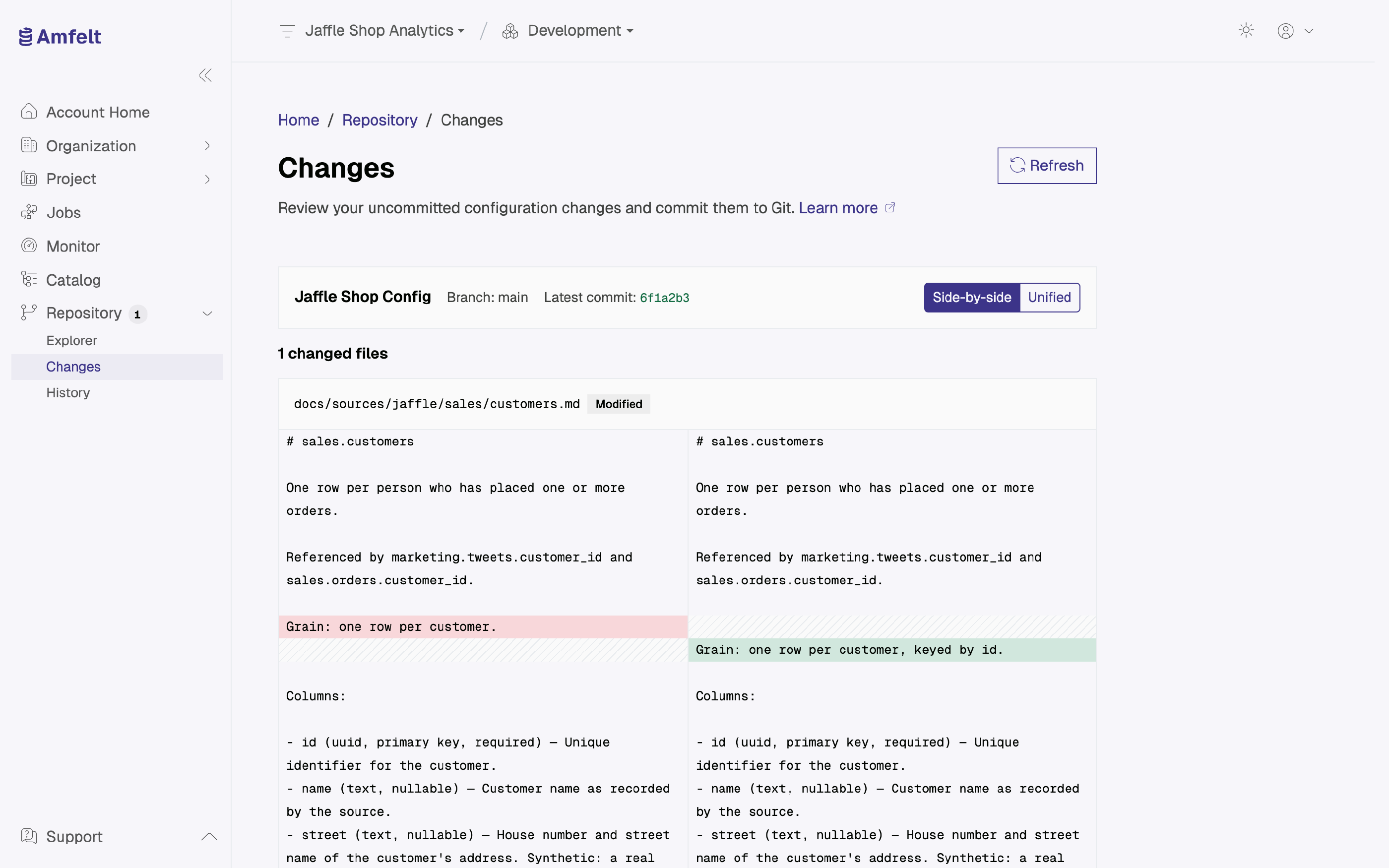
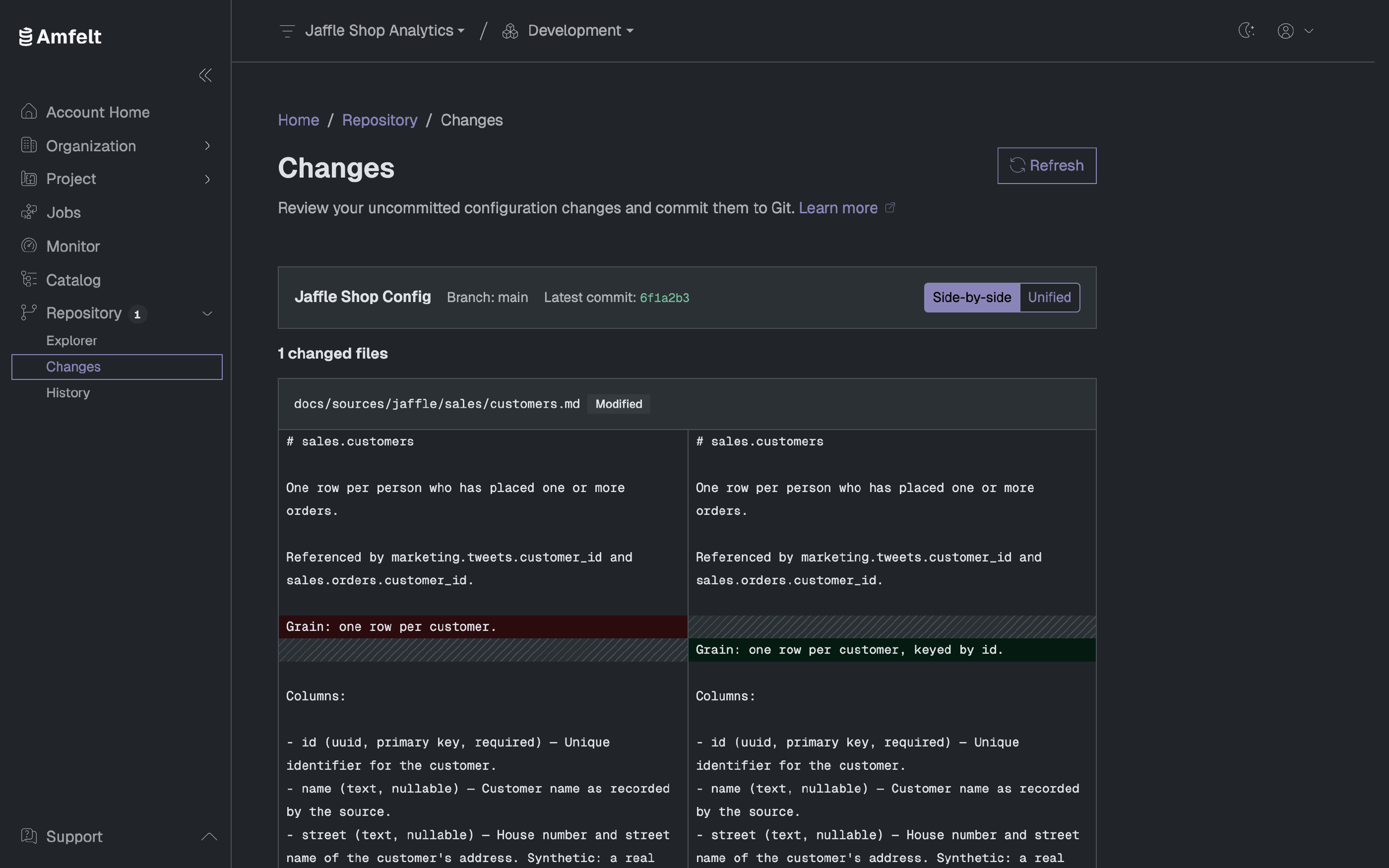
Review Before You Commit
Repository → Changes lists the changed files, each marked added, modified, or deleted, with the diff available side by side or unified. Read it. A configuration diff is short, and it is the last cheap moment to notice that you changed something you did not mean to.
Commit
Write a message describing what changed and commit. The message is optional, but a project history of empty messages is not worth having: the point of the history is that someone can read it later.
The Steady State
When there is nothing outstanding, the Changes page says your configuration matches the committed version. That is the state you want a project to be in before you rely on the repository as a record of it.
Changed Outside Amfelt
If the repository was updated somewhere else, the Changes page tells you so. Read those changes before you commit on top of them. Someone else may have already made the change you are about to make, or made an incompatible one.
From the Terminal
On the agent host, the project and environment must already be bound. Replace <project-id> with the control-plane project’s UUID and use the environment you want to synchronize. For example, for development:
amfelt commit --project <project-id> --env development
amfelt pull --project <project-id> --env development
The control plane sets the terminal commit message. Pull refuses to overwrite local edits that have not been synchronized.
Next
Resolve a Conflict for when someone commits first.
Last updated on October 30, 2026