Docs
Connect a Data Platform
The data platform is the target Amfelt writes to. Each environment of a project has one, and the same model applies as on the source side: the project’s agent, inside your infrastructure, opens the connection. The platform’s login is stored in your organization’s vault in the control plane, and the agent receives it, password included, each time it connects.
Add It
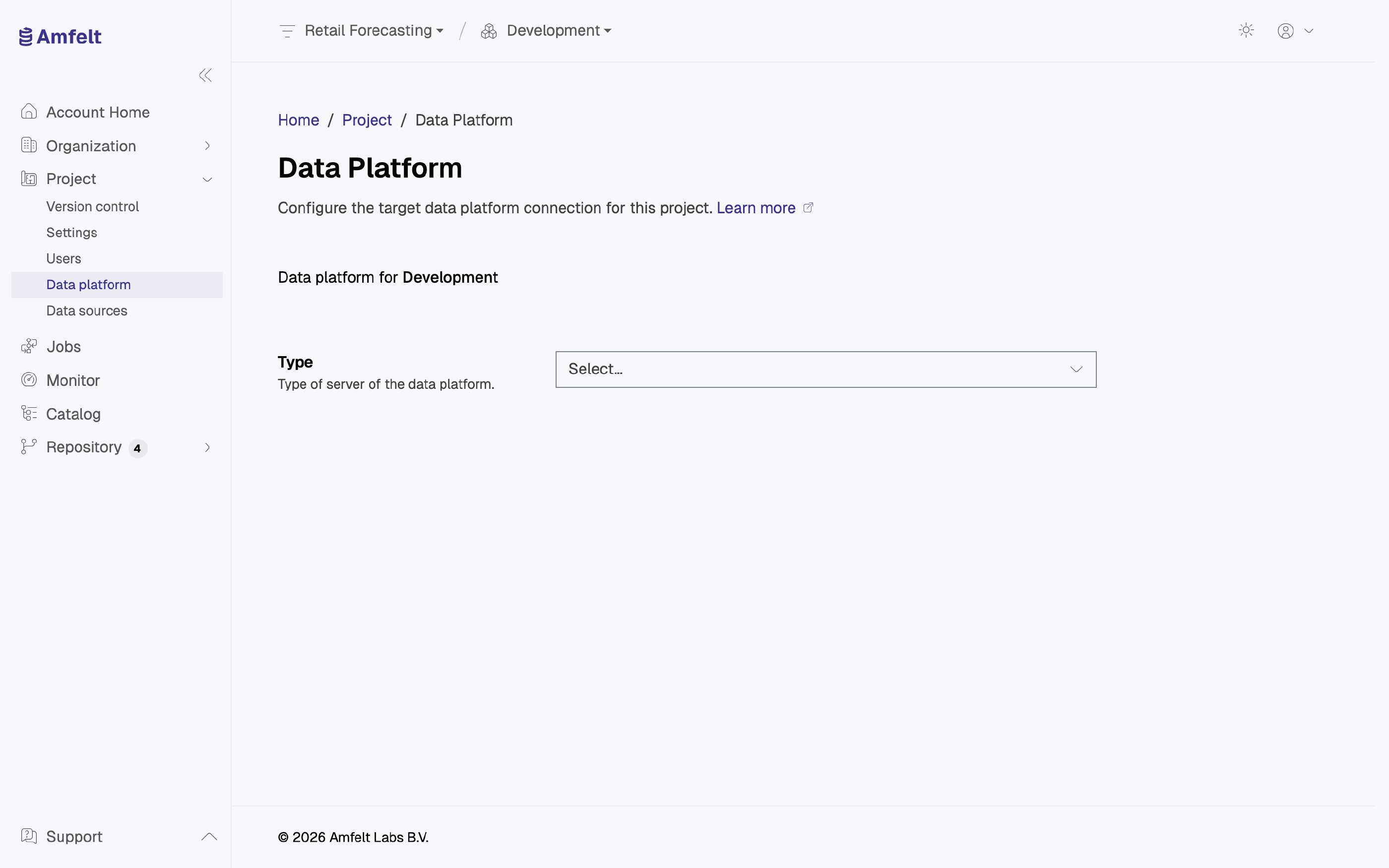
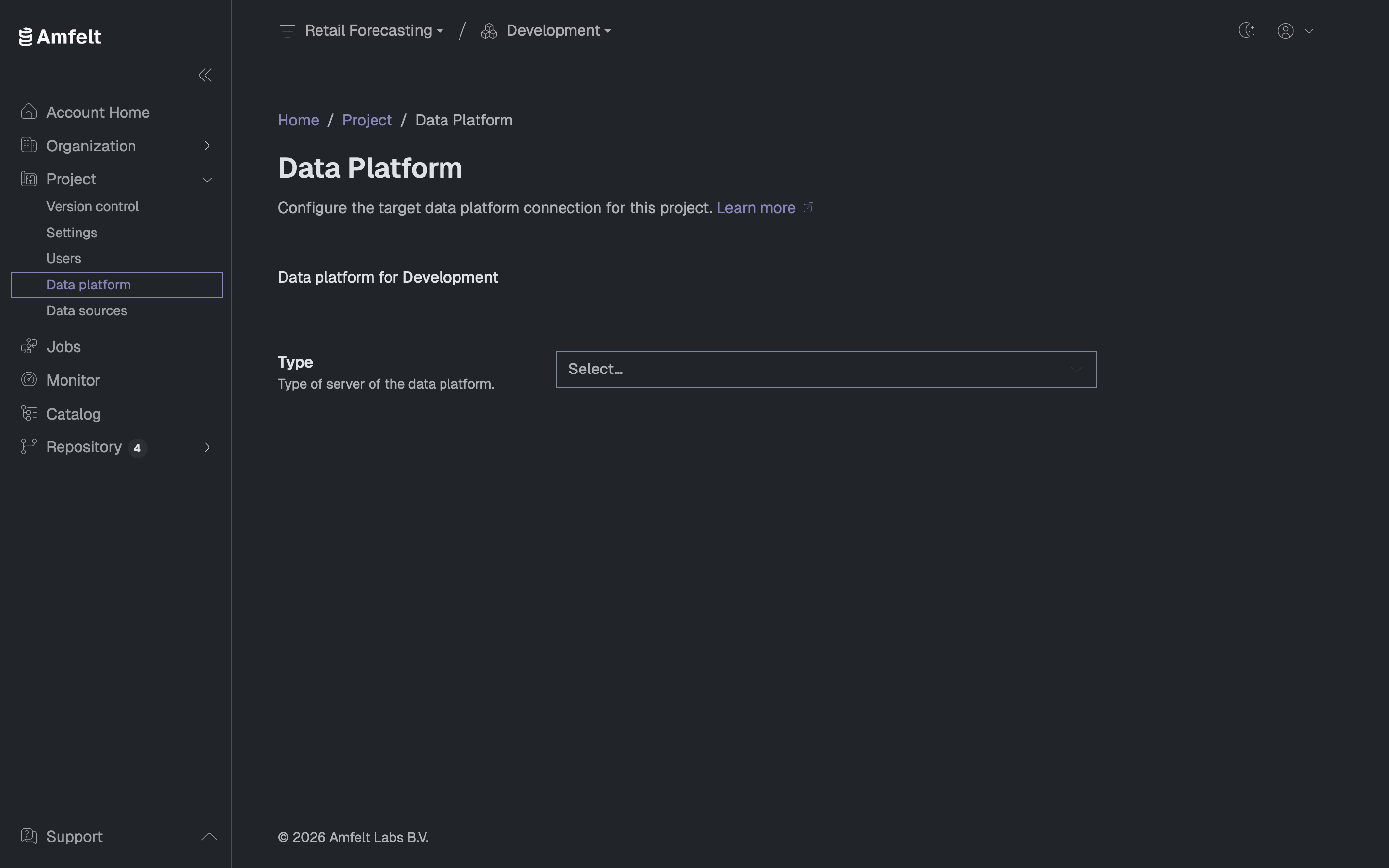
Open Data platform for the environment, choose the Type (the platform you are writing to; see the Connector Catalog for what is available), fill in its connection details, and give it a Name that is unique within the project. The project’s agent connects to it.
The connector type cannot be changed after the platform is created. Choose it deliberately; moving to a different platform means creating a new one rather than editing this one.
Credentials
Connection secrets go to the vault, not into project configuration. On a later edit, secret fields show as blank. Leaving one blank keeps the stored value, and typing in it replaces the secret. On the command line, amfelt add-target --store-login-in-file keeps a login in the project file on the agent’s host instead.
What the Account Needs
Amfelt creates the schemas it writes to and the objects in them, and its connection test creates and rolls back a throwaway schema. The account it connects with therefore needs permission to create schemas in the database, and to create and alter objects in the schemas Amfelt creates. Grant that on the one database Amfelt writes to rather than across your estate. A SQL quality rule you write runs as this account too, and can read whatever the account can.
Next
Understand what is about to be created in it: Layers and Naming .
Last updated on October 30, 2026