Docs
Add a Source
A source is a system Amfelt reads from. It belongs to a project, and an agent running inside your infrastructure does the reading, so with the default local connectors the source needs a network route from the agent’s host. A connector you run elsewhere with the grpc registry connects from its own address instead.
Before You Start
- The project needs an agent assigned to it. If it does not have one yet, see Register an Agent .
- You need the connection details for the source system, and an account on it with read access to the schemas you care about.
Add It to the Project
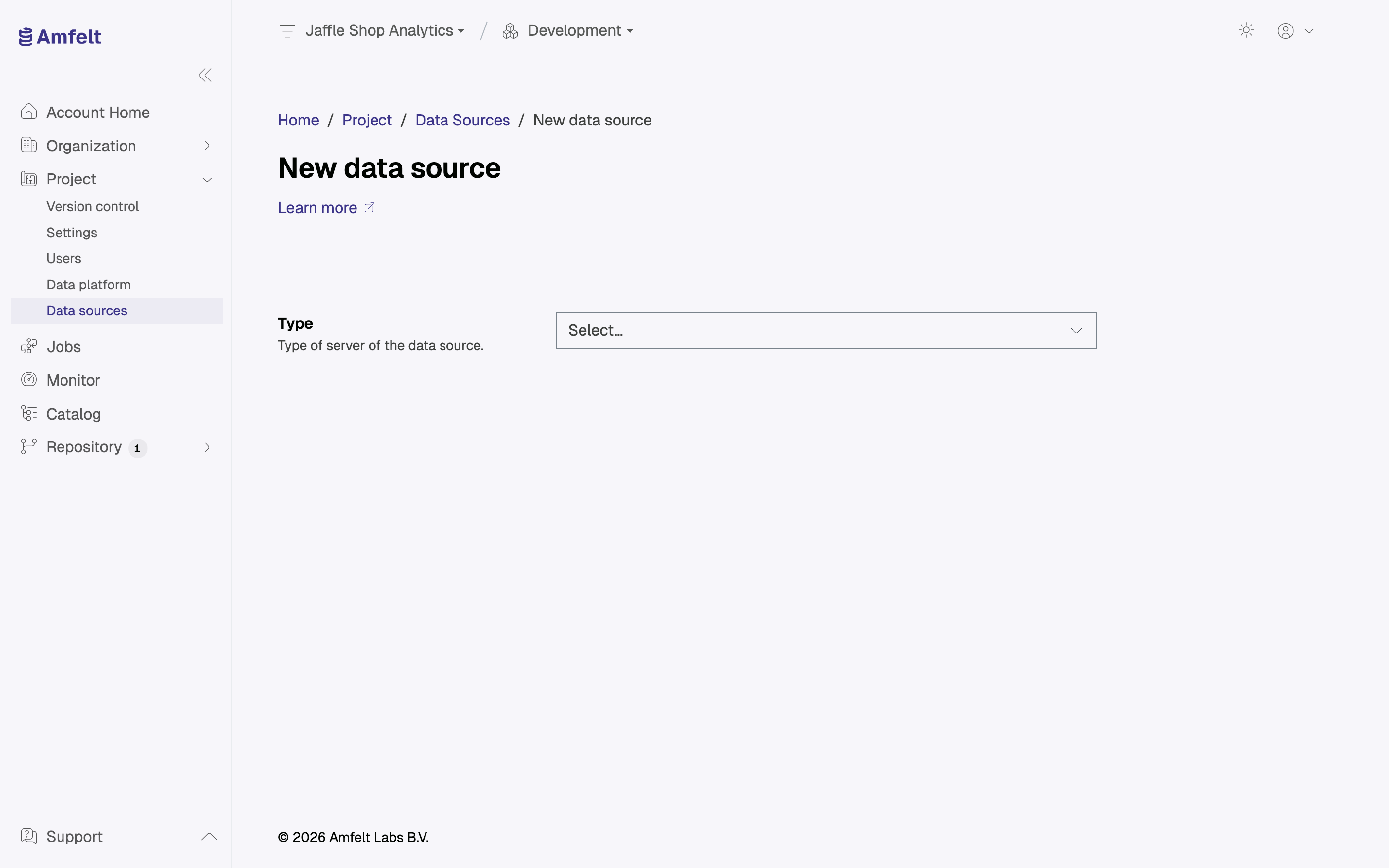
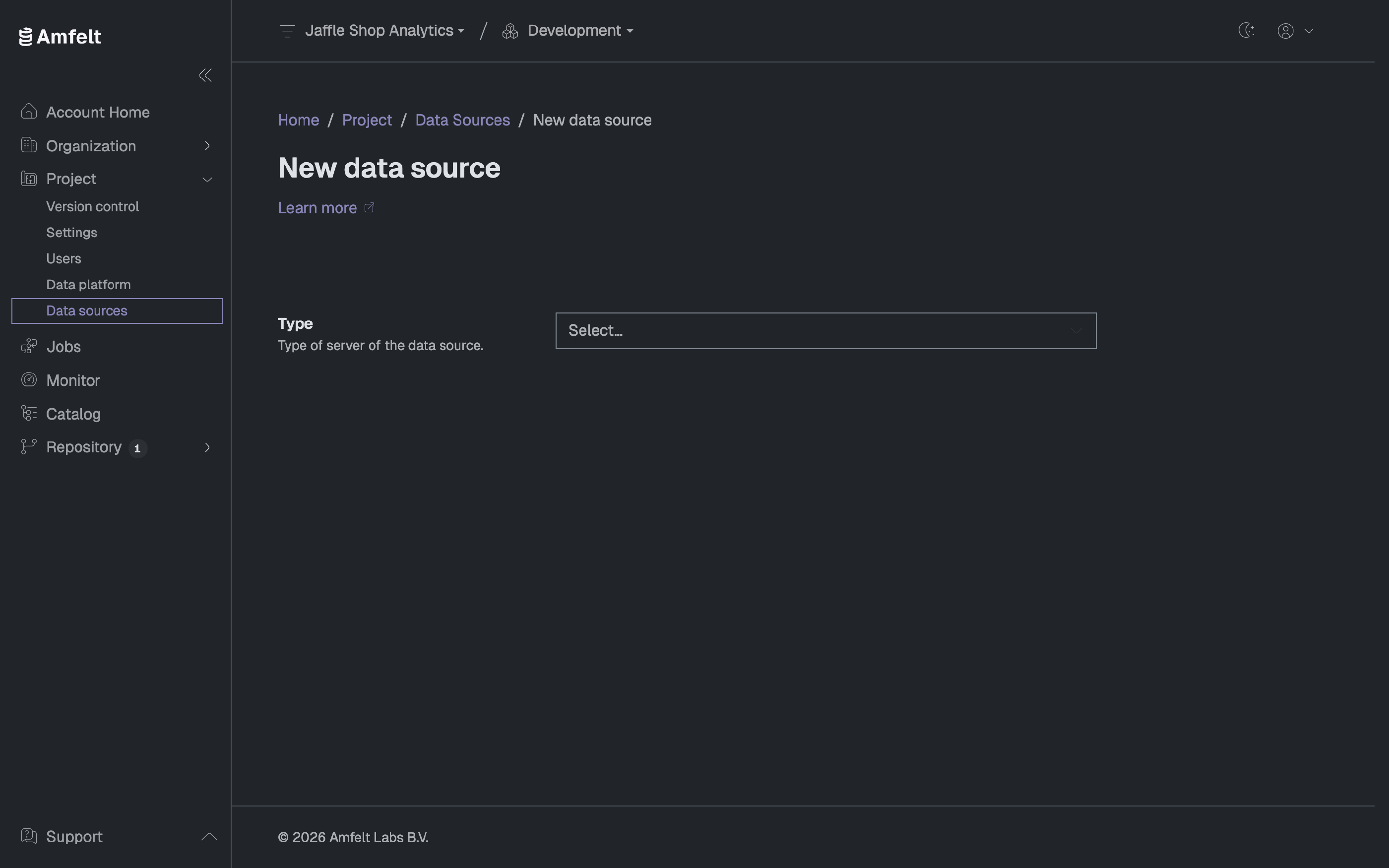
Open the project, go to Data sources, and choose New data source. You give it three things:
- A type: the connector that speaks to that kind of system. See the Connector Catalog for what is available.
- The connection details for the system itself.
- A name that is unique within the project. One is suggested from the connection. It shows up in generated configuration and in the catalog, so make it recognizable:
crm_prodbeatssource2.
The project’s agent connects to every source, so the source must be reachable from where that agent runs.
Credentials go to the vault rather than into configuration, which is why an edit form shows secret fields as blank. Leaving one blank keeps the value that is already stored; type in it only when you are replacing the secret.
Confirm It Works
Saving a source runs a connection test through the project’s agent, and you can run the test again from the source’s page. If the credentials, the network route, or the agent are wrong, the test says so. A passing test starts the source’s first discovery; after that, run discovery again from the source’s page.
Removing a Source
Deleting a source also deletes the jobs that use it, with their schedules. The catalog that discovery found for it, and the history of runs that already happened, are kept. Deleting a source is permanent, so it asks you to confirm.
Next
Discover Metadata to find out what the source actually contains.
Last updated on October 30, 2026