Docs
Manage Project Members
Each project keeps a list of members, and each member holds a project role: admin, operator, or viewer. Project membership and project roles do not restrict access. Someone’s organization role governs what they can do, in every project of the organization, and the platform checks that role on every request. See Roles and Access for what each organization role permits.
So an operator in your organization can operate any of its projects, whether or not they are on that project’s list, and a project role neither grants nor withholds anything.
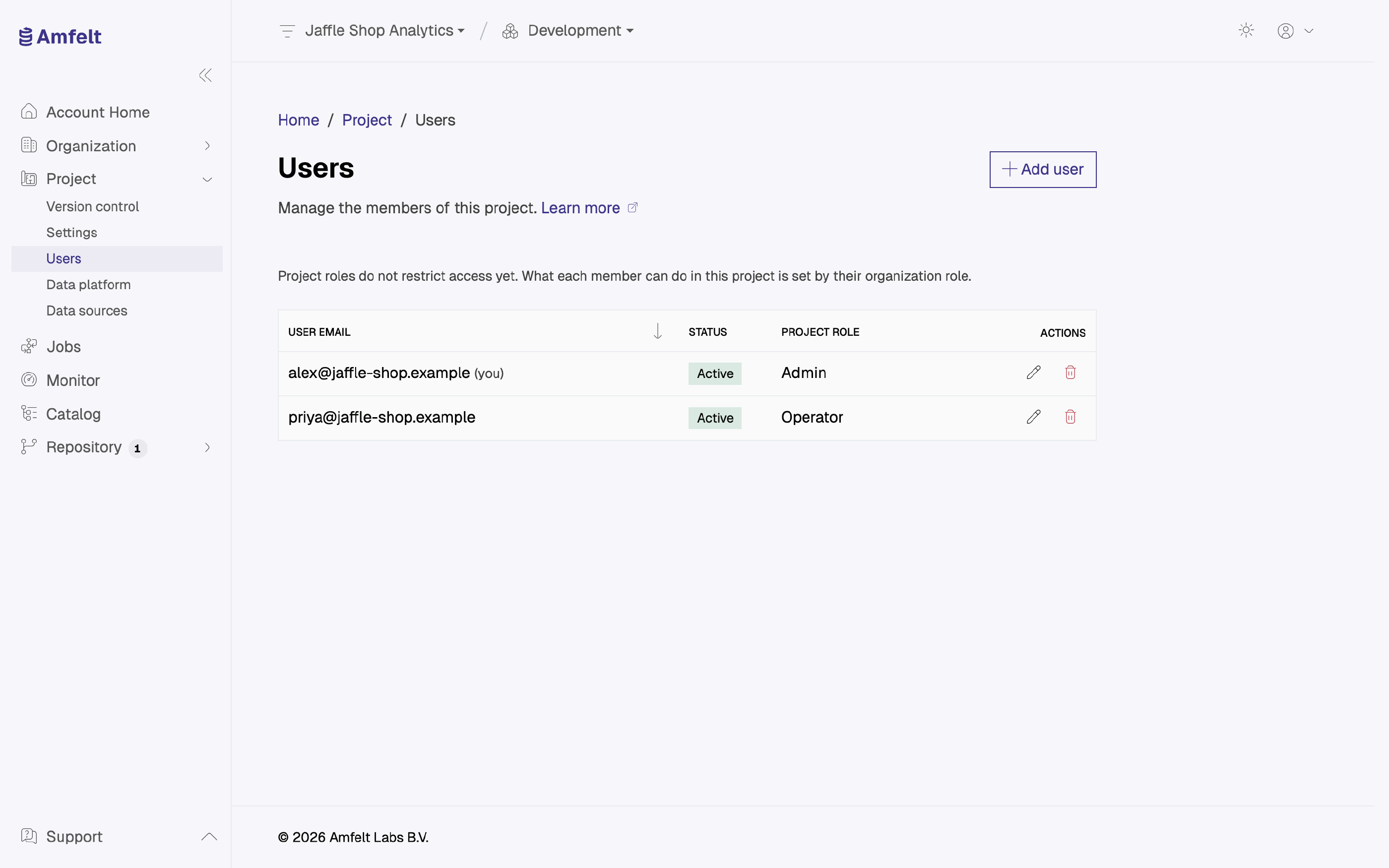
Add Someone to a Project
From the project’s users page. They have to be a member of the organization first. See Invite a Member . Only an organization owner or admin can add a project member, change a member’s project role, or remove one.
Removing Someone From a Project
Removing someone from a project takes them off its list and does nothing else: their organization role still applies to that project. To limit what someone can do, change their organization role, or remove them from the organization.
Next
Roles and Access for what each organization role permits.
Last updated on October 30, 2026