Docs
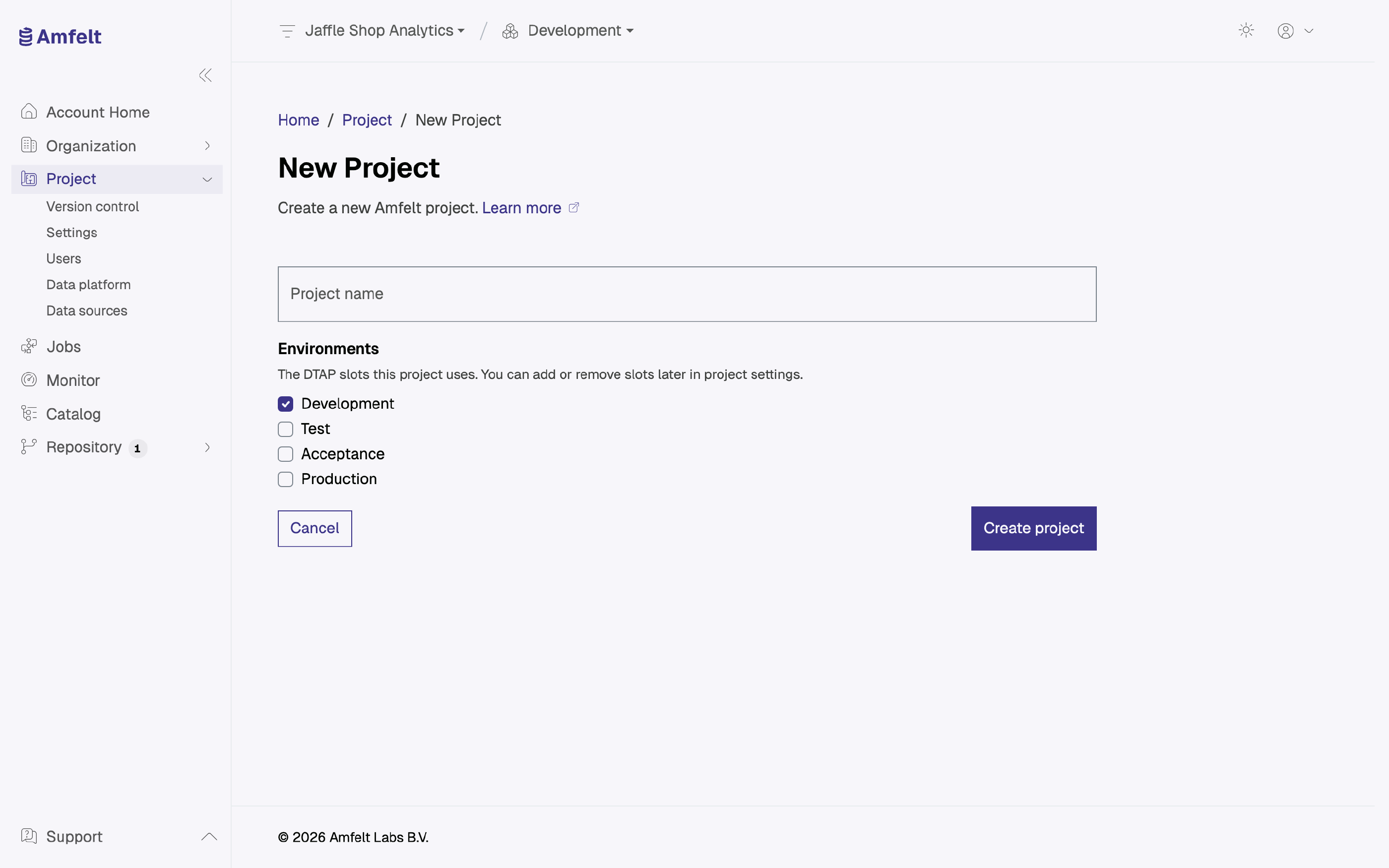
Create a Project
A project scopes its sources, its data platform, its jobs, its Git repository, and the agents assigned to it. Two projects share nothing by default, so you can change one without touching the other. A project is not an access boundary, though: everyone in the organization can reach every project, with what their organization role permits (see Manage Project Members ).
Where to Draw the Boundary
One project per data estate you would version and deploy as a unit. Not one per source: you would end up managing dozens of repositories for one data platform. Not one for everything either, unless everything genuinely does move and get reviewed together.
The useful test: if two things would always be promoted at the same time by the same people, they belong in the same project.
After You Create It
One thing before it is worth adding a source: assign an agent, so the project can reach anything (see Register an Agent ). The Development environment is bound to the project already; you can bind others later (see Work With Environments ).
Your project’s Git repository needs no step: Amfelt creates and hosts it with the project, so configuration is versioned from the start. To use your own repository instead, see Connect a Repository .
Naming
The project name appears in the app, in Git, and in generated documentation. Choose something a colleague would still recognize in six months, and that reads sensibly next to your other projects.
Next
Last updated on October 31, 2026