Docs
Invite a Member
Owners and admins manage who is in the organization. Everyone else can see their colleagues but cannot change the membership.
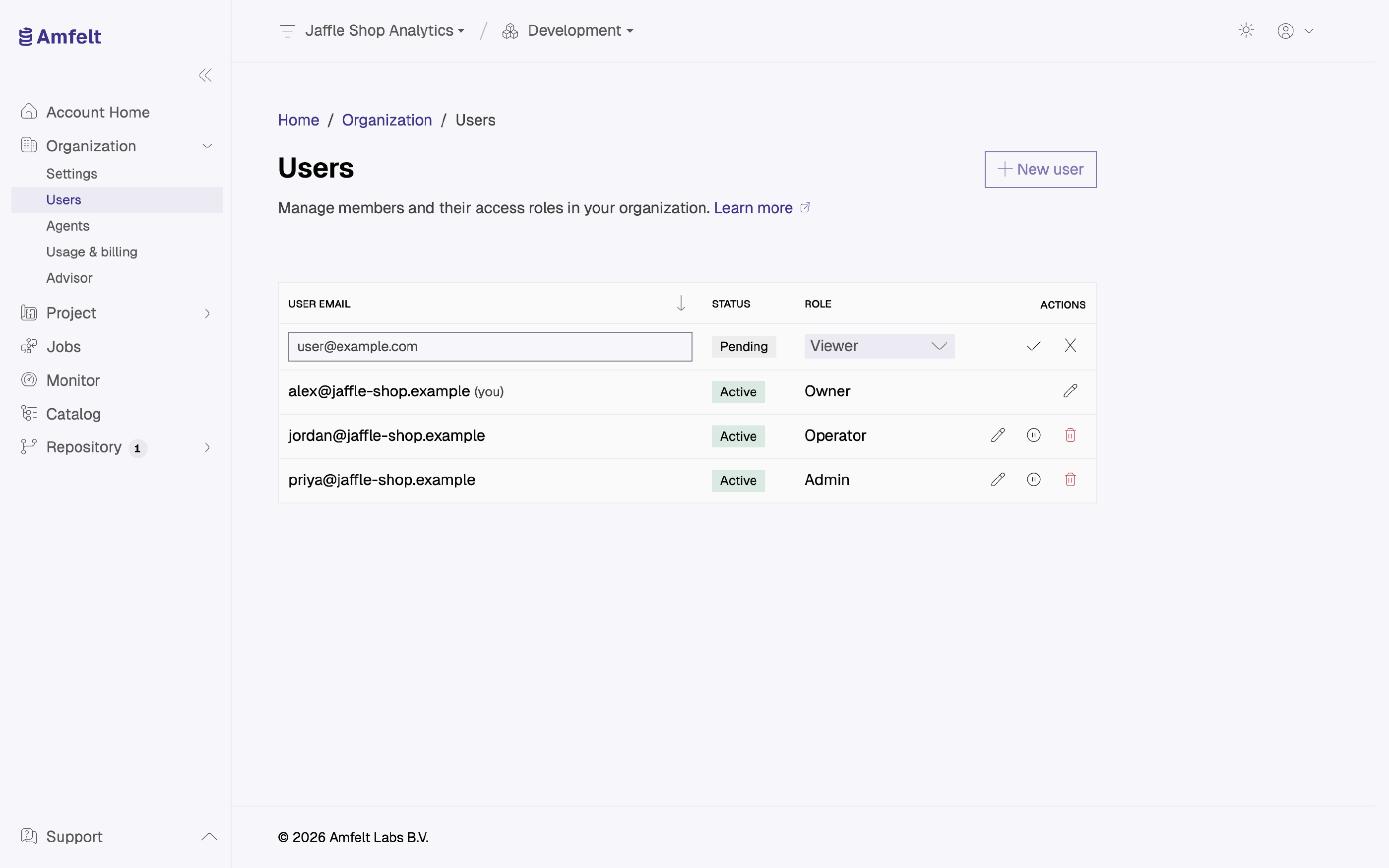
Send the Invitation
Invite by email address, and choose the role at the same time. The role is part of the invitation rather than something you set afterwards, so nobody spends their first session with more access than they should have. See Roles and Access for what each role can do.
What the Invitee Sees
They receive an invitation to accept. Once they do, the organization appears in their account and they can work in it immediately, at the role you chose.
Before It Is Accepted
A pending invitation can be revoked. If you sent it to the wrong address or the person no longer needs access, revoke it rather than leaving it to expire.
Choosing a Role
Grant the least role that lets someone do their job. Roles can be changed later without re-inviting anyone, so starting narrow costs nothing and starting wide is hard to walk back.
Next
Last updated on October 30, 2026