Docs
Read Metrics and Run History
Metrics answer “is this healthy”. The runs table answers “what happened”. You need both, and they are most useful read against each other.
Both cover the development environment. Runs in test, acceptance, and production do not appear on the Monitor page yet.
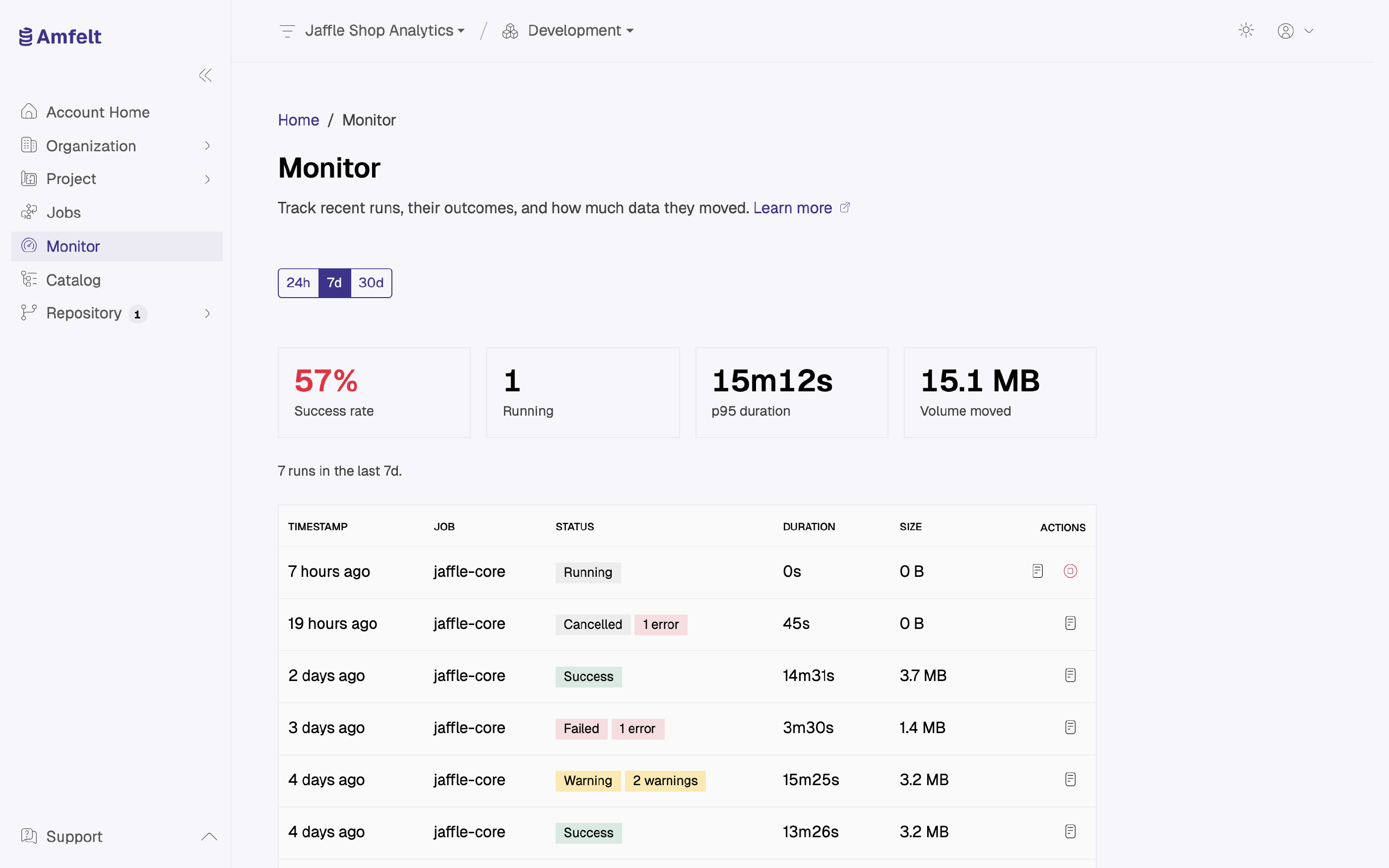
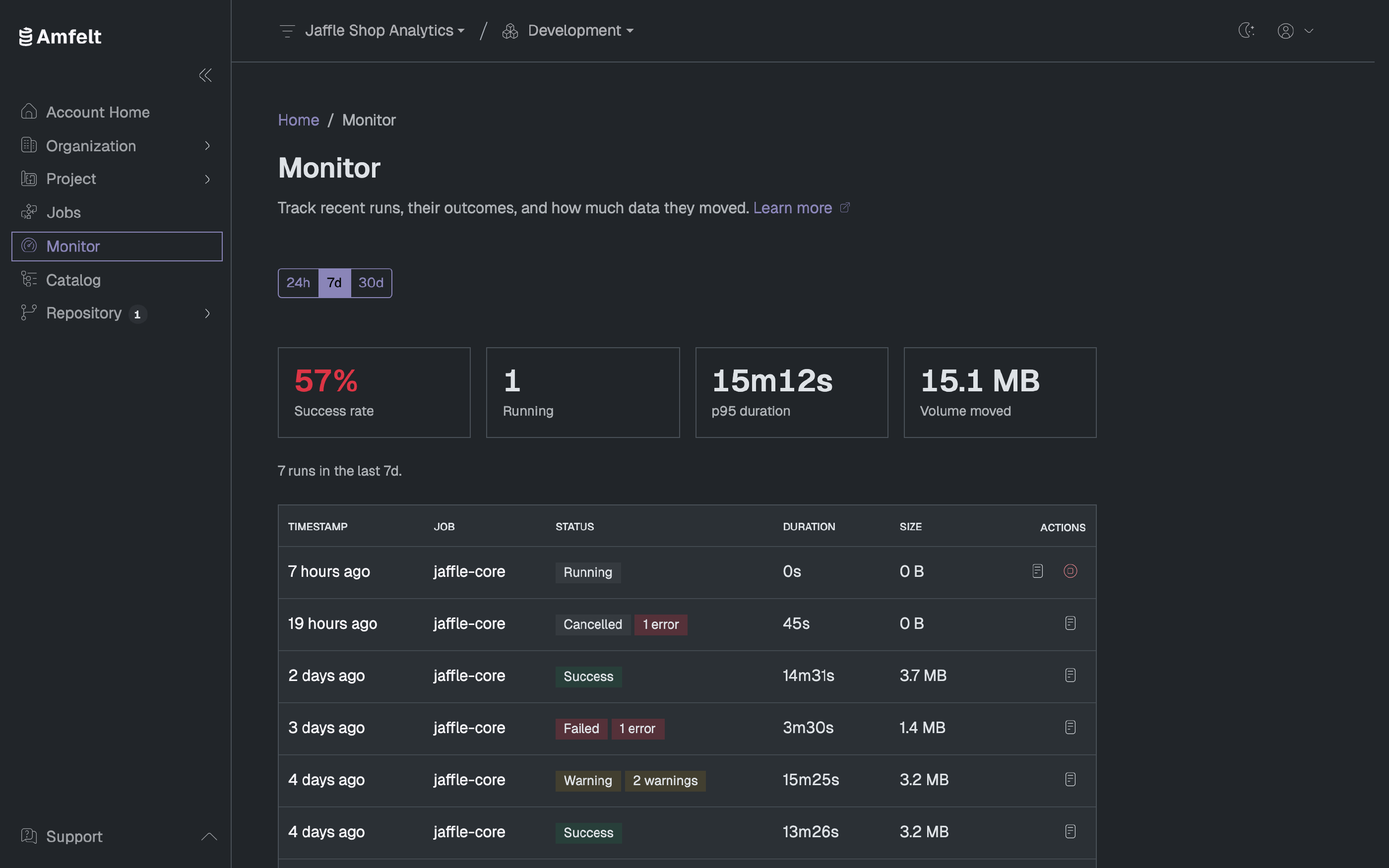
The Metrics
Over a time window you choose (the last 24 hours, 7 days, or 30 days), four cards: the success rate, how many runs are still running, the p95 duration (the 95th percentile: 95% of runs are faster), and the volume moved. When the runs table holds every run in the window, the line above it gives their number.
The p95 is there because it shows the tail. A p95 well above the durations most rows in the table show means most runs are fine and a few are much slower, usually because one object is growing past the point where its current strategy makes sense. Compare the p95 over the last 24 hours with the p95 over 30 days to see whether that tail is new.
The Runs Table
Each row carries the timestamp, the source, the job, the schedule, the status, the duration, and the size. The timestamp opens that run’s own page, and the text icon in the row’s actions opens its checkpoints as plain text in a new tab. Sort by status to bring the failures together and see whether they share a source or a job before you draw conclusions; three failures spread across twenty sources is a different problem from three failures on one.
The table holds the most recent runs in the time window you chose, and a sort reorders only those. When more runs exist than it shows, a note above the table says so.
Reading Them Together
- Failures concentrated on one source point at that source or its agent, not at the platform.
- Durations creeping up across every source point at the Amfelt platform, the data platform, or the network between them.
- Failures that cluster at one time of day point at contention: something else on your schedule, or a maintenance window on the source.
- A p95 well above most runs’ durations points at one object outgrowing its load strategy. See Choose a Load Strategy .
Next
Dig into a specific execution in Follow a Run , or change when things happen in Schedule a Job .
Last updated on October 31, 2026