Docs
Run and Follow a Job
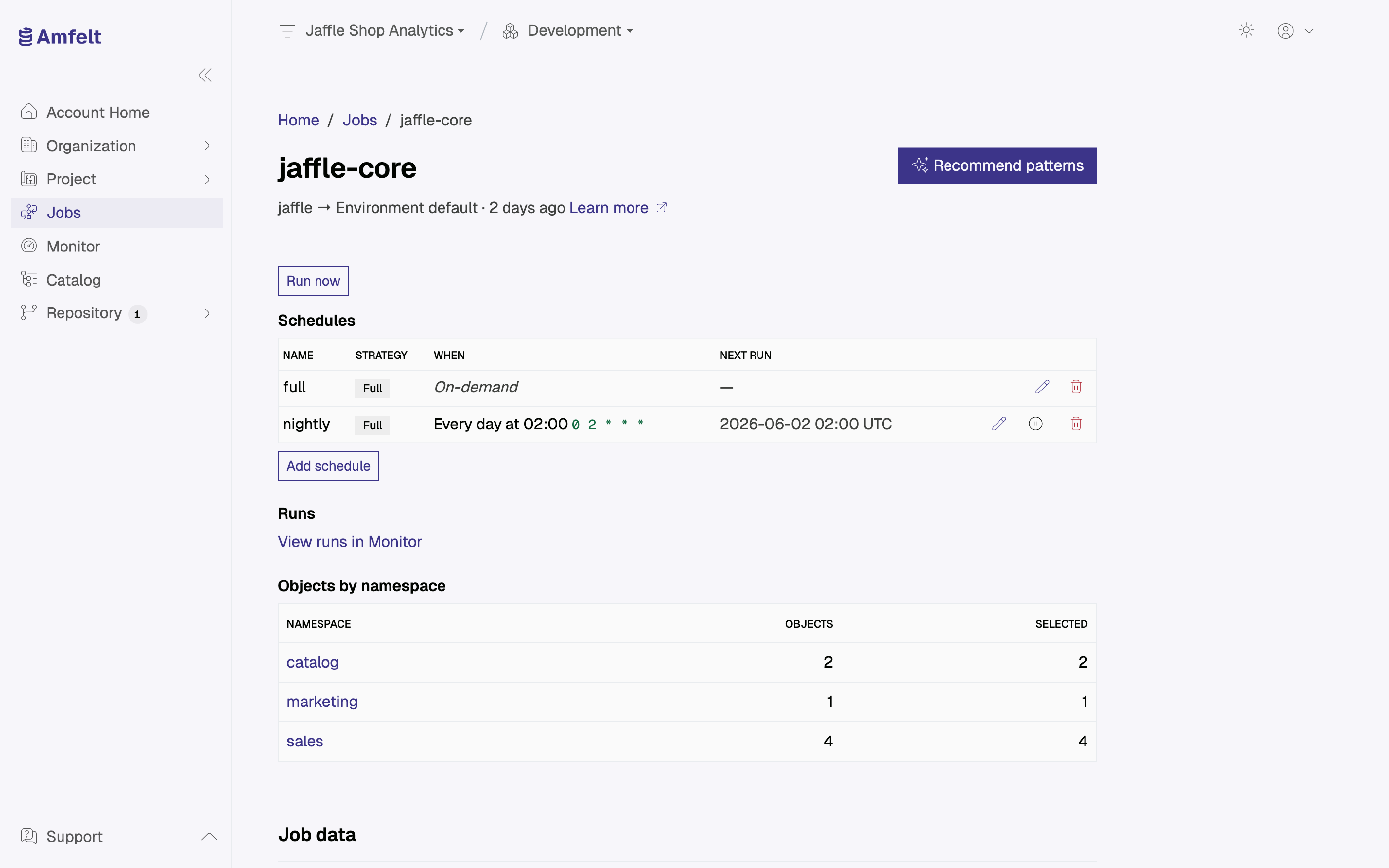
You can run a job on demand with Run now on the job’s page, whether or not it also has a schedule. Manual and scheduled executions take exactly the same path through the platform, so what you see in a manual run is what the schedule will do at three in the morning.
Before You Trigger It
Three things are worth confirming, because they account for most runs that fail immediately:
- The source’s agent is connected (see Check Agent Health ).
- The project’s data platform is configured (see Connect a Data Platform ).
- The objects you expect to move are actually selected for this job.
Follow It
A run in the development environment appears in monitoring with its status and duration as soon as its agent starts it (runs in other environments do not appear there yet). Open it to see what it moved and which checkpoints it passed, including the error any failed step reported. When that error does not tell you enough, the agent’s own log on its host has more. See Follow a Run .
Cancel It
A run that is doing the wrong thing can be canceled while it is still going. A run that has already finished cannot be. The control is there for stopping something in progress, not for undoing something completed.
Re-Run After a Fix
Trigger the run again. A full load is self-correcting, so a clean execution replaces whatever the broken one left behind.
Dry-Run From the Terminal
To check a job’s configuration without moving any data, run it from the agent host with a dry run:
amfelt sync --job <job-name> --dry-runRun it from the directory containing amfelt.yaml, or select the project file with --path. Replace <job-name> with a job defined in that file. The dry run validates the job configuration and prints the job summary without executing data movement.
Next
Read Metrics and Run History to see how the job behaves over time rather than once.
Last updated on October 30, 2026