Docs
Explore the Catalog
The catalog holds everything discovery learned about your estate. It is read from the sources themselves rather than written by hand, so it describes each source as it was when discovery last ran, and the discovery status below shows which version that run produced.
How It Is Organized
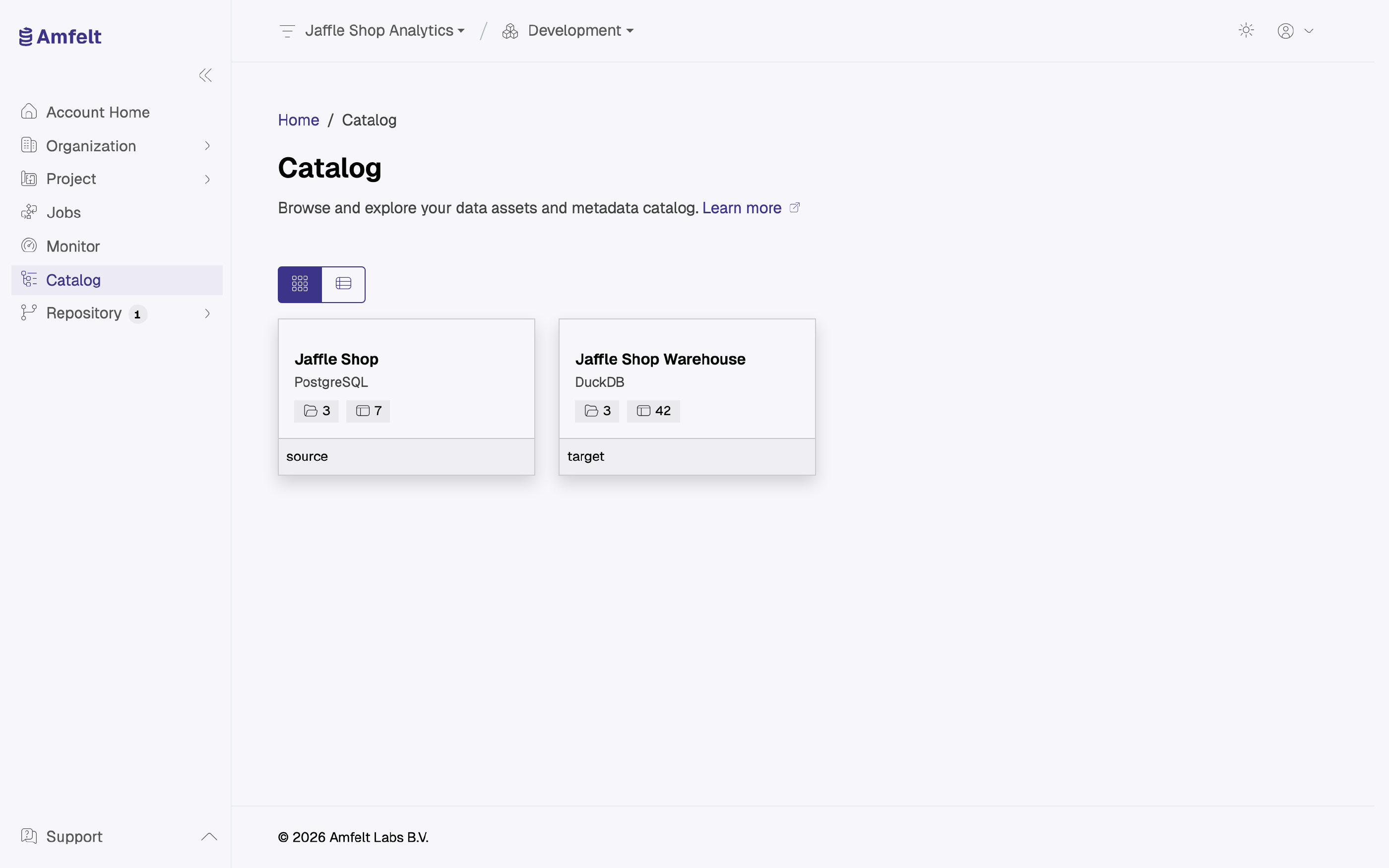
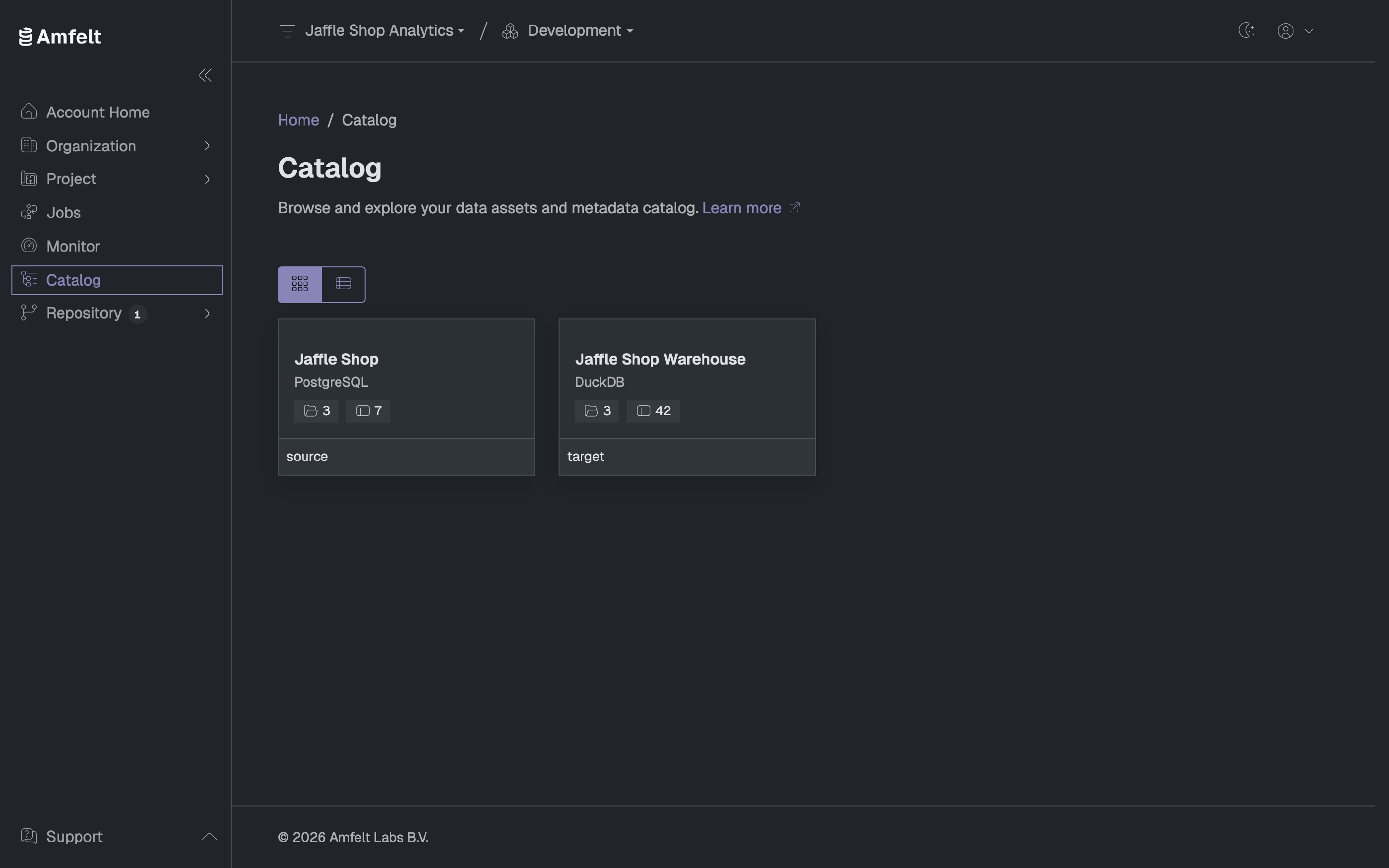
Sources, then namespaces within a source, then objects within a namespace, then the properties of an object. Both sources and targets appear, marked by role, so you can walk from a source object through to what it produced.
Two Views
The sources landing offers cards for browsing and a list for scanning. The list shows the connector plugin, the role, and the namespace and object counts side by side, which is the faster view once you have more than a handful of sources. It can be sorted, and filtered in place once there are enough rows to need it.
What an Object Page Shows
- Its properties, with types and whether each is required.
- Its primary and foreign keys.
- Its relations to other objects.
- How many records its last load wrote.
The namespace page lists its objects with when each was last loaded. Never loaded means exactly that: the object is known to Amfelt because discovery found it, but no job has moved it yet.
Discovery Status
The catalog also shows where a source is in its discovery cycle, including the version the last run produced. If a source looks out of date, that is the place to confirm whether discovery has been run since the source changed. See Discover Metadata .
Next
Trace Lineage to see how objects connect to each other.
Last updated on October 30, 2026