Docs
Track Usage
See how much data your organization is moving against your plan’s limits.
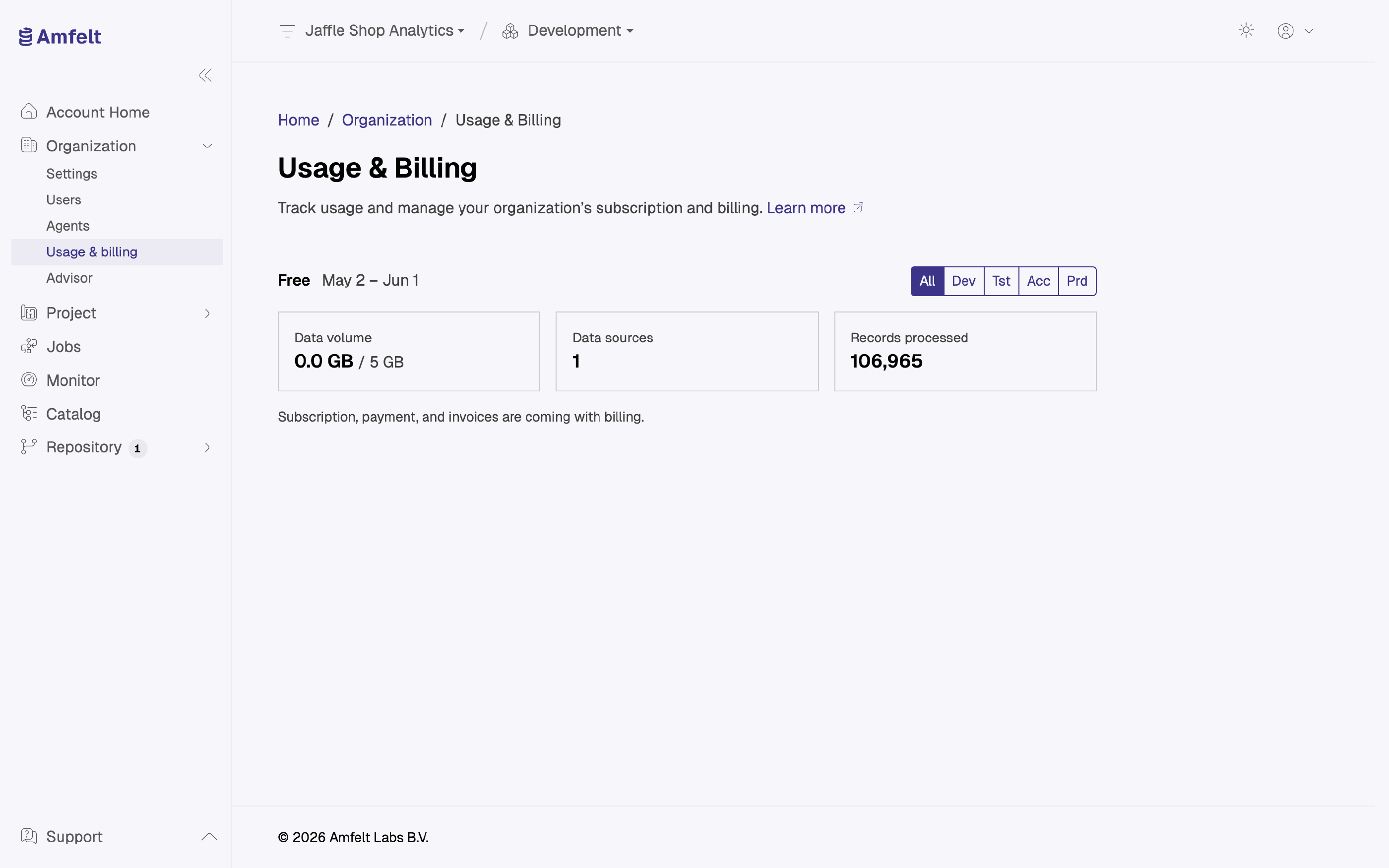
Usage is tracked per organization for the current period, and shown against the limits of your plan.
What Is Metered
- Data volume moved.
- Records processed.
- Data sources configured.
Data volume and data sources are shown against your plan’s limit, and a figure approaching that limit (80%) is highlighted so a period does not end in a surprise. Records processed is shown as a count.
Per Environment
Filter the view by environment to see where the consumption is going. It is common for a development environment to be quietly responsible for most of a month’s volume, because someone left an hourly full load running on a large table. The total across environments is what counts against the plan.
Keeping Usage Down
- Schedule for how fresh the data genuinely needs to be, rather than hourly by default.
- Retire sources and jobs you no longer read.
What Is Not Here Yet
Subscription management, payment details, and invoices are coming with billing. For current plans and what they include, see Pricing .
Next
Last updated on October 30, 2026